
Document-processing API
ASP.NET Core endpoints receive Word files, extract structured resume information, and return normalized data.
Engineering project
A full-stack application that converts structured Microsoft Word resumes into responsive portfolio websites.
Project overview
A closer look at the goals, decisions, and technical thinking that shaped the project.
The application turns a structured Word document into reusable portfolio data rather than requiring users to manually rebuild the same information in a website editor.
A React workflow guides the user from upload through review, theme selection, preview, and export while the ASP.NET Core backend handles document parsing and generation.
Key features
Core capabilities delivered for Portfolio Generator.
ASP.NET Core endpoints receive Word files, extract structured resume information, and return normalized data.
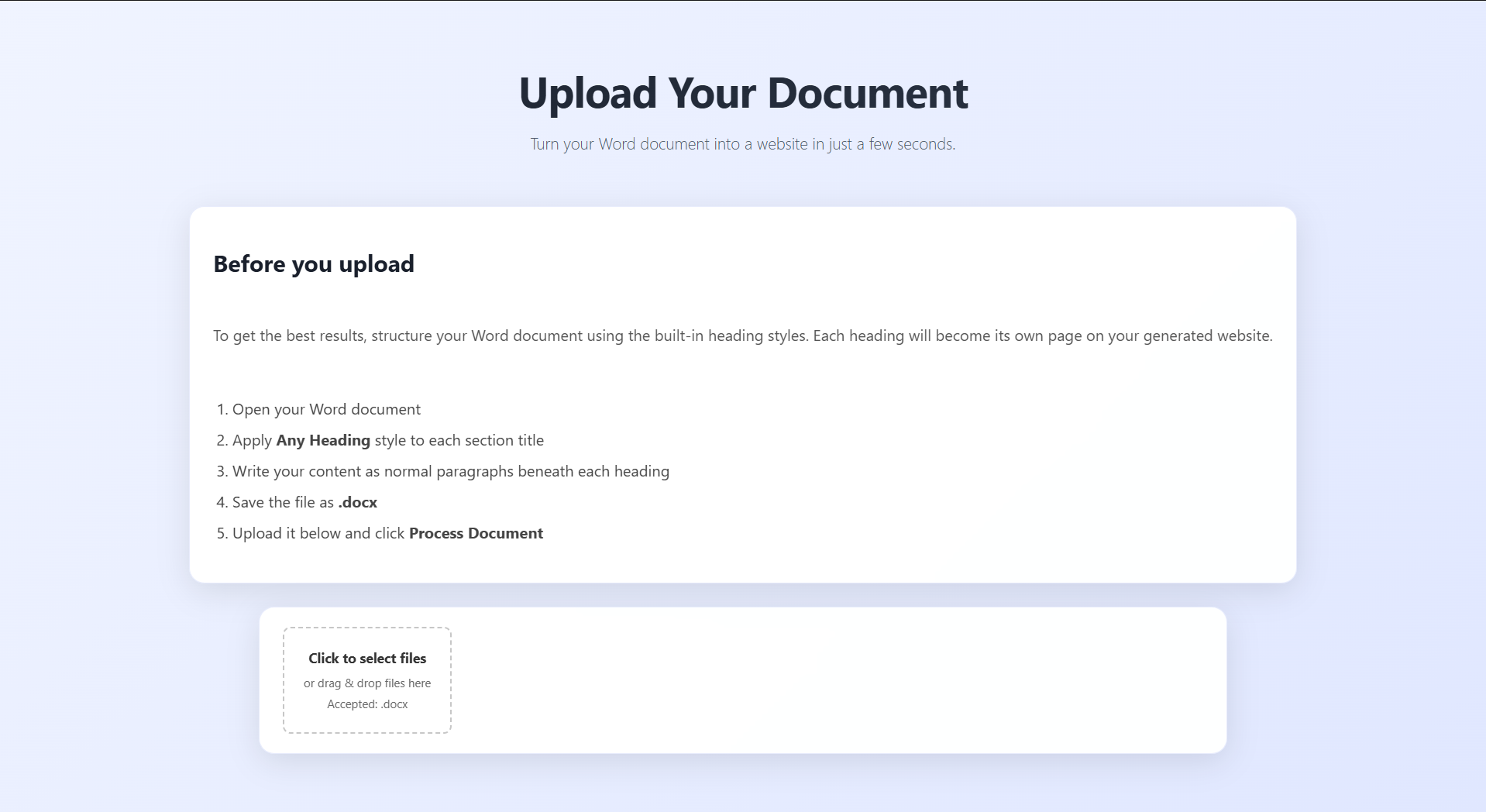
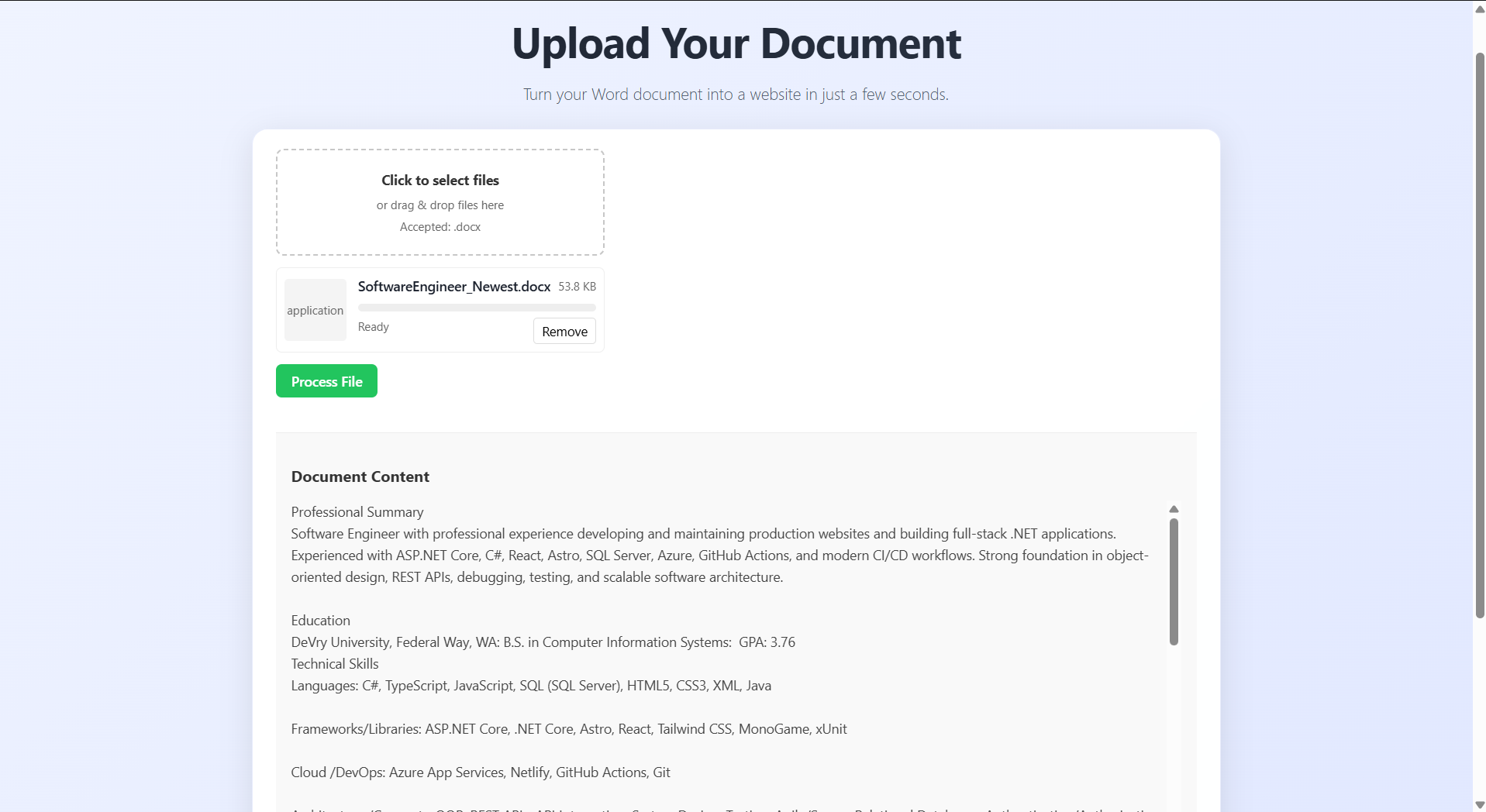
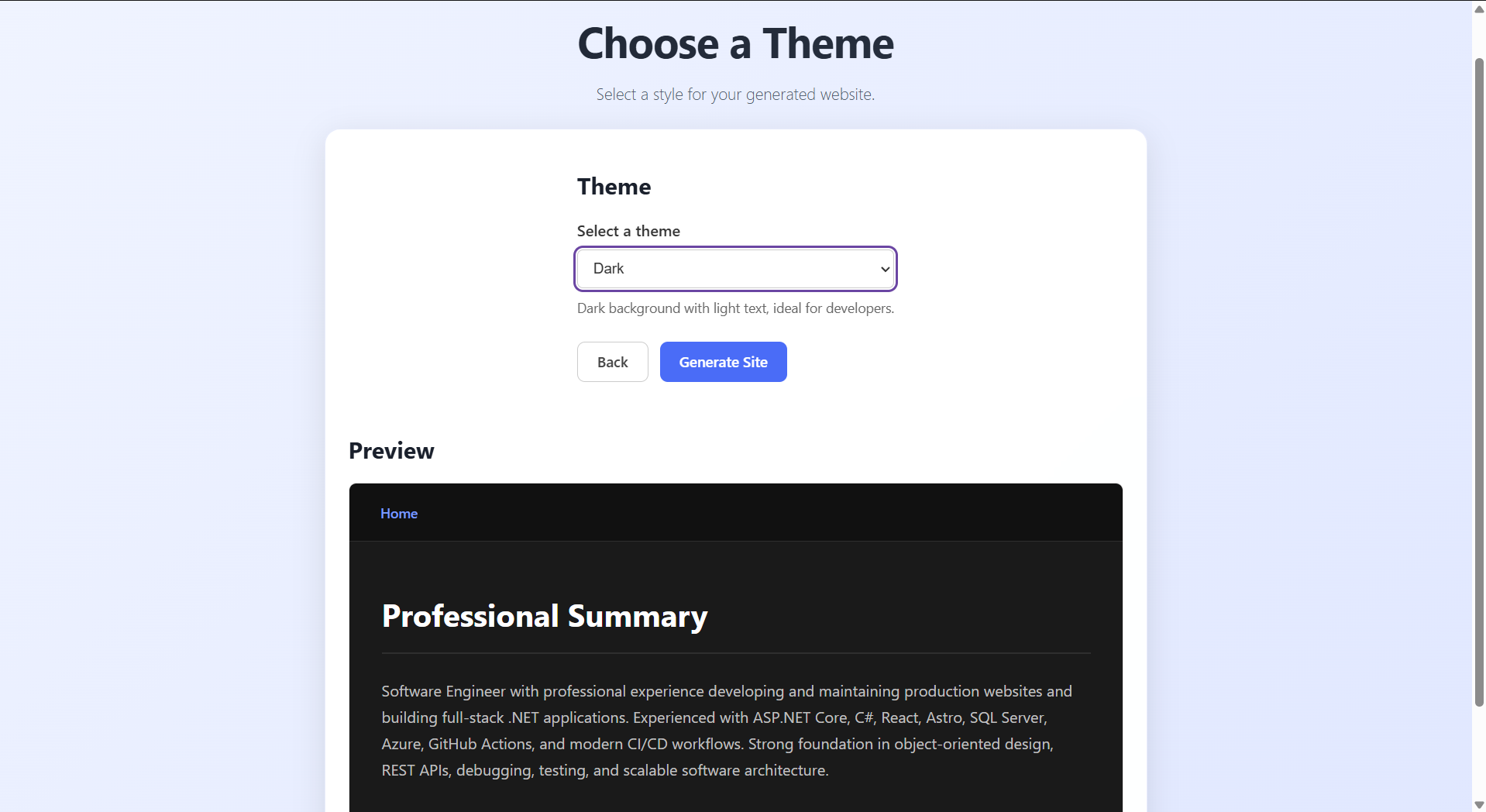
A multi-step React interface helps users upload a document, review extracted data, and select a theme.
Generated templates render inside an iframe so their styles remain isolated from the application shell.
Multiple layouts can consume the same structured resume data without duplicating content.
.NET Aspire coordinates application services, endpoints, and configuration during development.
GitHub Actions builds and deploys the application to Azure App Service.
Application workflow
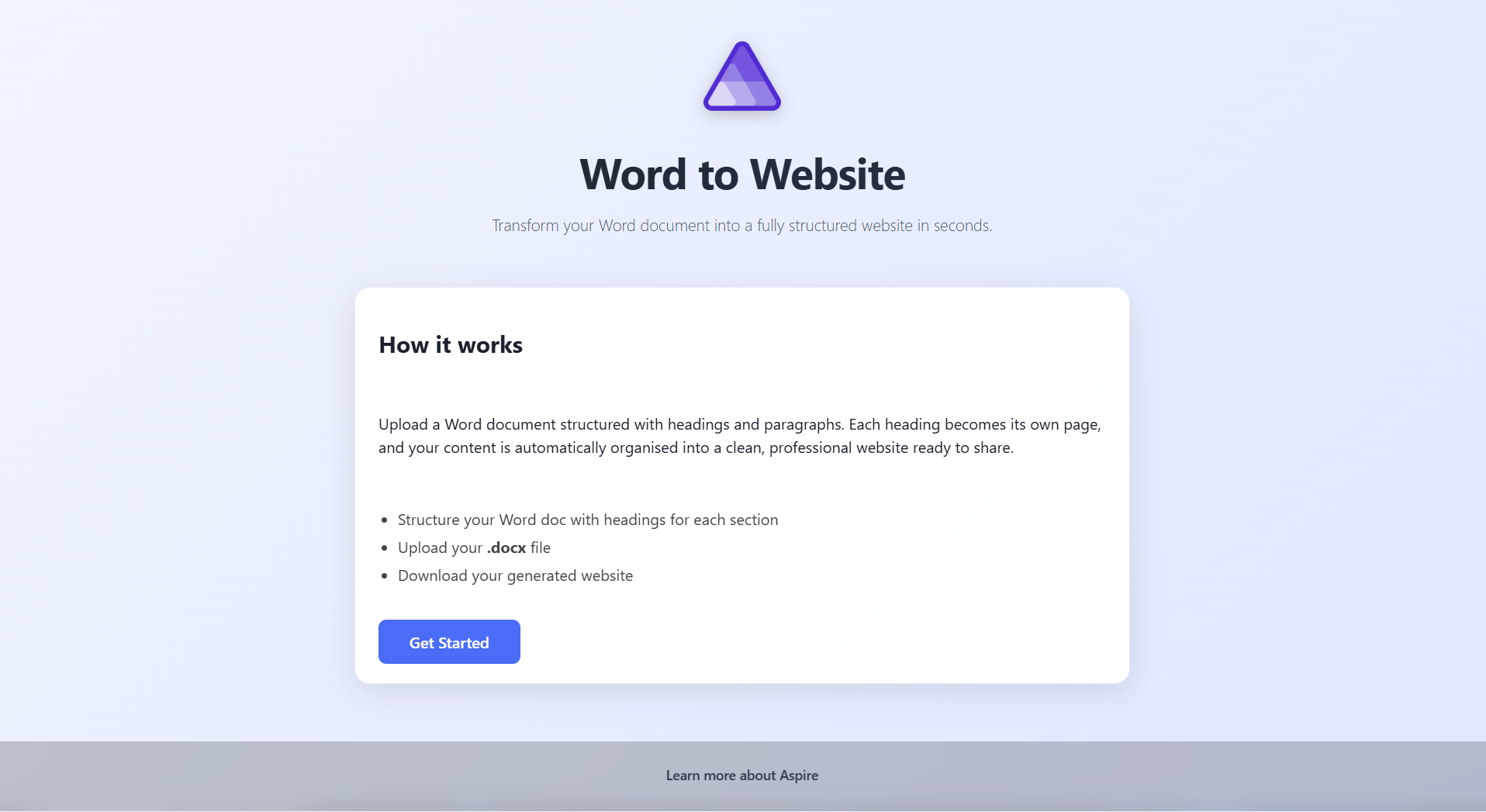
The user uploads a structured resume, reviews the parsed data, selects a presentation theme, previews the result, and exports the completed site.
Upload a structured .docx resume.
Extract resume content with ASP.NET Core and Open XML.
Convert document content into structured portfolio data.
Choose a layout and visual presentation.
Review the generated website in an isolated preview.
Download the completed portfolio website.
Project gallery
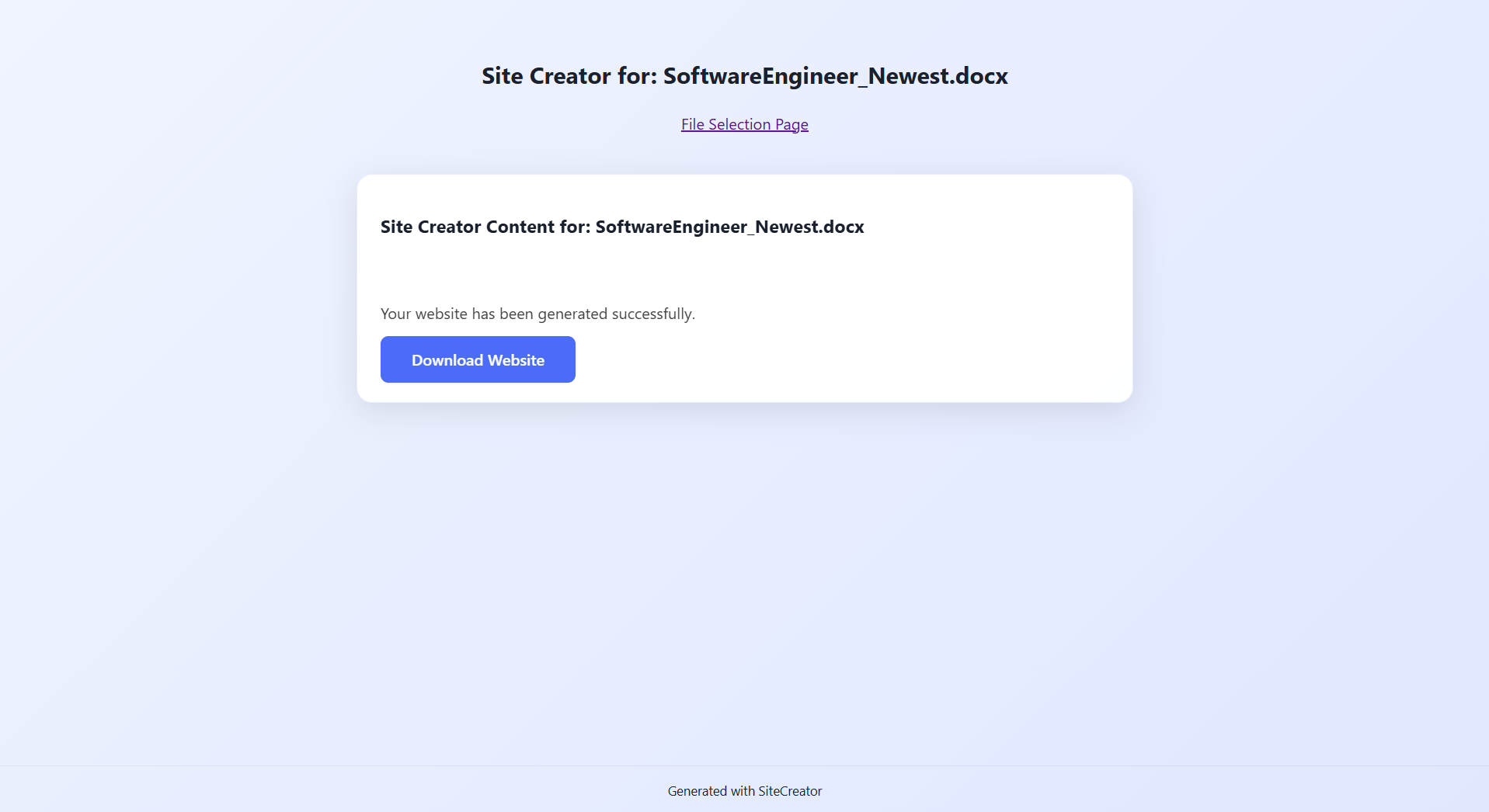
Selected screens and interfaces from the project.
Technical highlights
Selected architectural and implementation decisions that shaped the project.
Minimal API endpoints handle uploads, document parsing, and structured response data.
The frontend coordinates upload, review, theme selection, preview, and export.
DocumentFormat.OpenXml reads structured content from Microsoft Word files.
Layout templates remain separate from resume data, allowing multiple presentations from one source.
Aspire simplifies local orchestration and configuration across application services.
CI/CD workflows build the frontend and backend and deploy the application to Azure.
Challenges
The constraints and implementation problems that required the most thought.
Resume documents needed to be interpreted consistently and converted into predictable structured data.
Generated website styles had to be previewed without leaking into or breaking the application interface.
The React frontend, ASP.NET Core backend, and deployment workflow required consistent endpoint and configuration management.
Future direction
Potential next steps identified through the current implementation.
Add custom block editors
Support font customization
Add one-click Netlify deployment
Expand the theme library
Explore what comes next
Custom software projects are scoped around the workflow, users, and technical requirements involved.