
Modular engine systems
Rendering, input, combat, animation, state management, and persistence are separated into focused systems for easier maintenance.
Engineering project
A custom 2D RPG engine built with C#, MonoGame, XML, and xUnit, focused on modular systems for rendering, input, animation, combat, persistence, and content editing.
Project overview
A closer look at the goals, decisions, and technical thinking that shaped the project.
The project began as a game and gradually evolved into a reusable engine with distinct systems for gameplay, rendering, input, persistence, and content creation.
Its primary value is the architecture behind the game: reusable components, data-driven content, testable systems, and tooling that reduces repetitive setup work.
Key features
Core capabilities delivered for Modular 2D RPG Engine.
Rendering, input, combat, animation, state management, and persistence are separated into focused systems for easier maintenance.
Reusable combat components handle attacks, player actions, hit detection, and enemy interactions.
Sprite animation supports movement, directional states, and reusable animated objects.
XML-based persistence stores and restores structured game data across play sessions.
A companion editor reduces manual configuration and speeds up content creation.
xUnit tests validate core systems and reduce regressions during ongoing development.
Engine flow
Each frame captures player input, applies game-state changes, resolves interactions, updates animation, and renders the resulting scene.
Capture keyboard and player controls.
Apply game logic and state changes.
Resolve attacks, collisions, and interactions.
Update sprite frames and movement states.
Draw the updated scene through MonoGame.
Project gallery
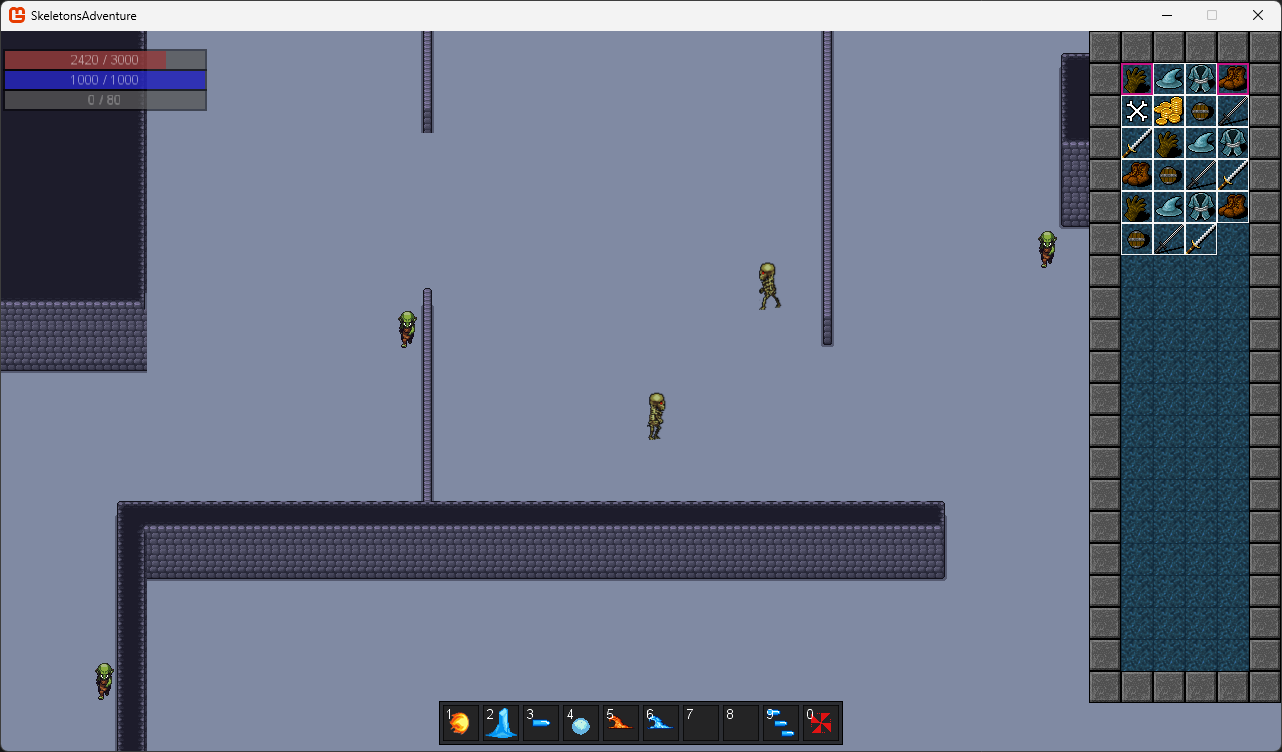
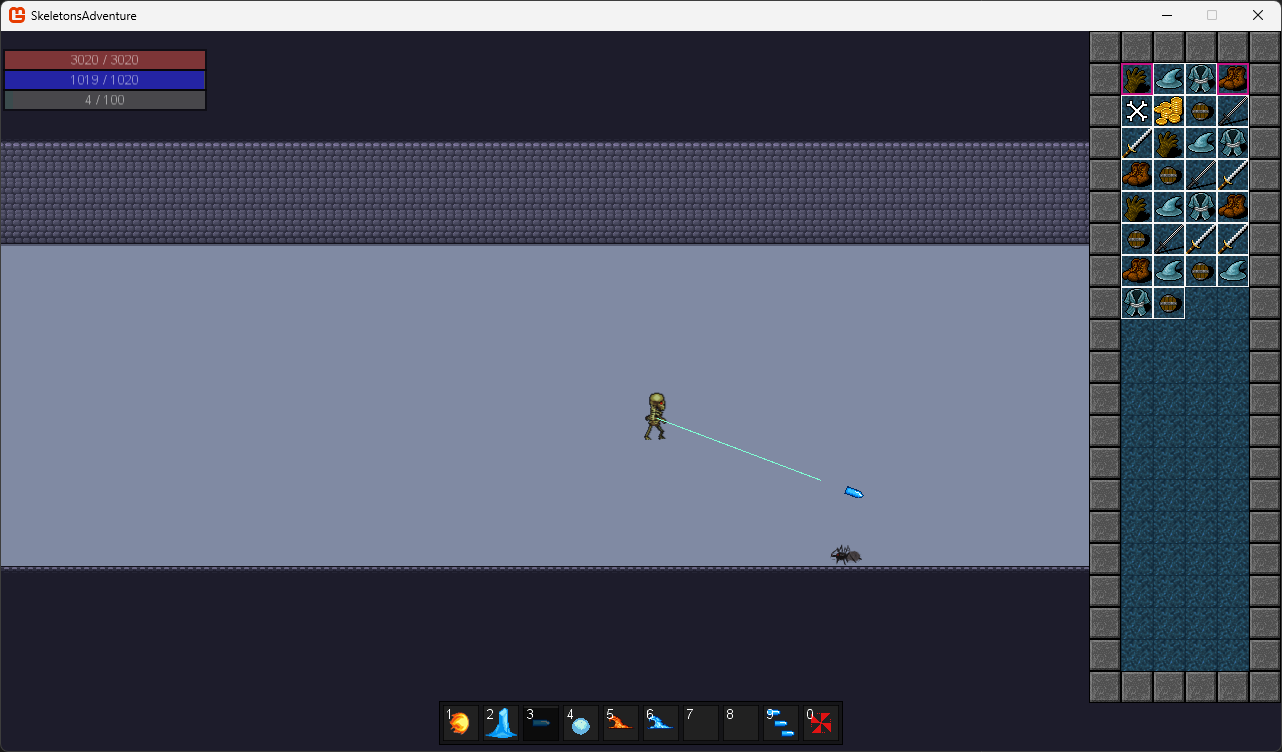
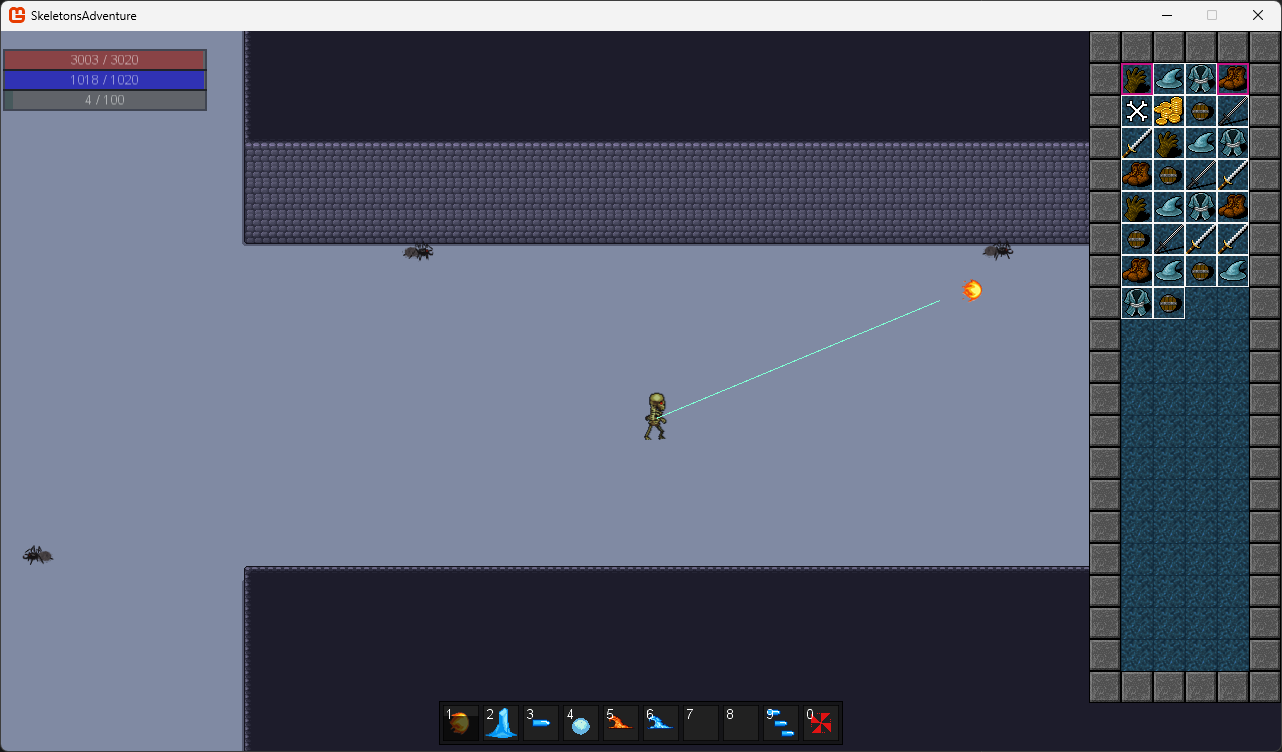
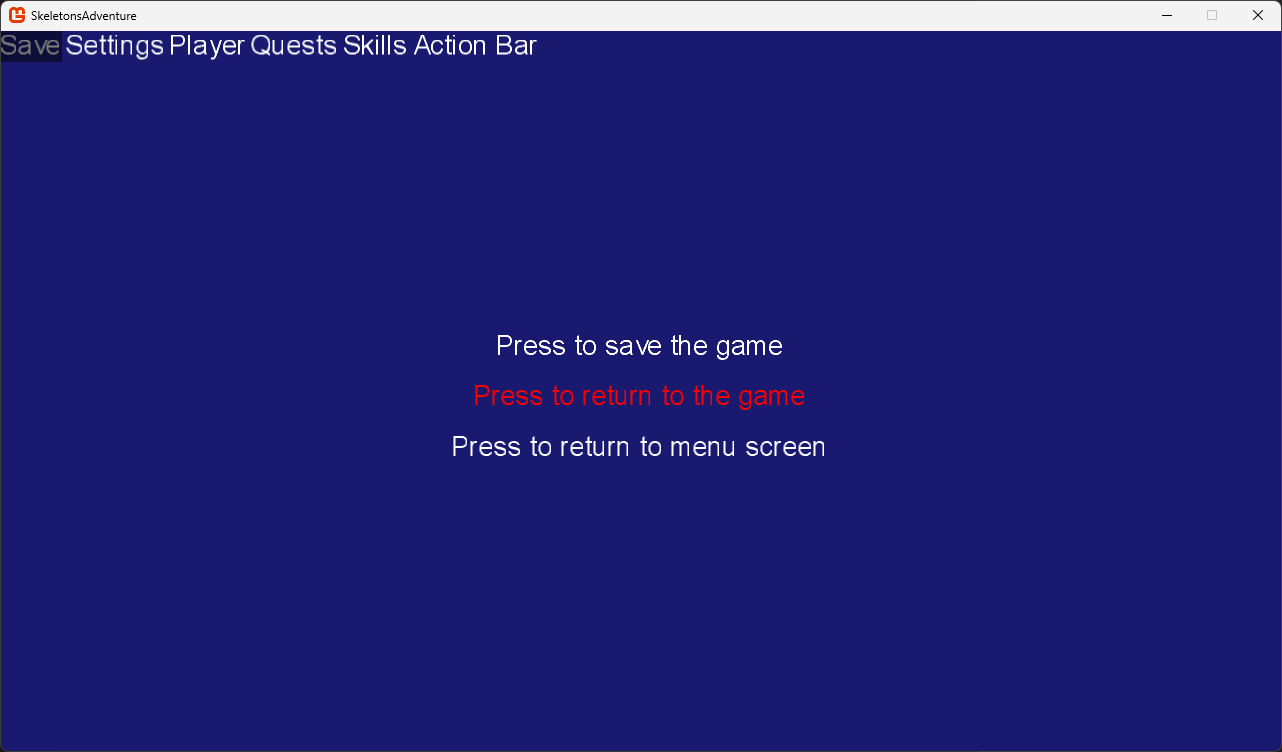
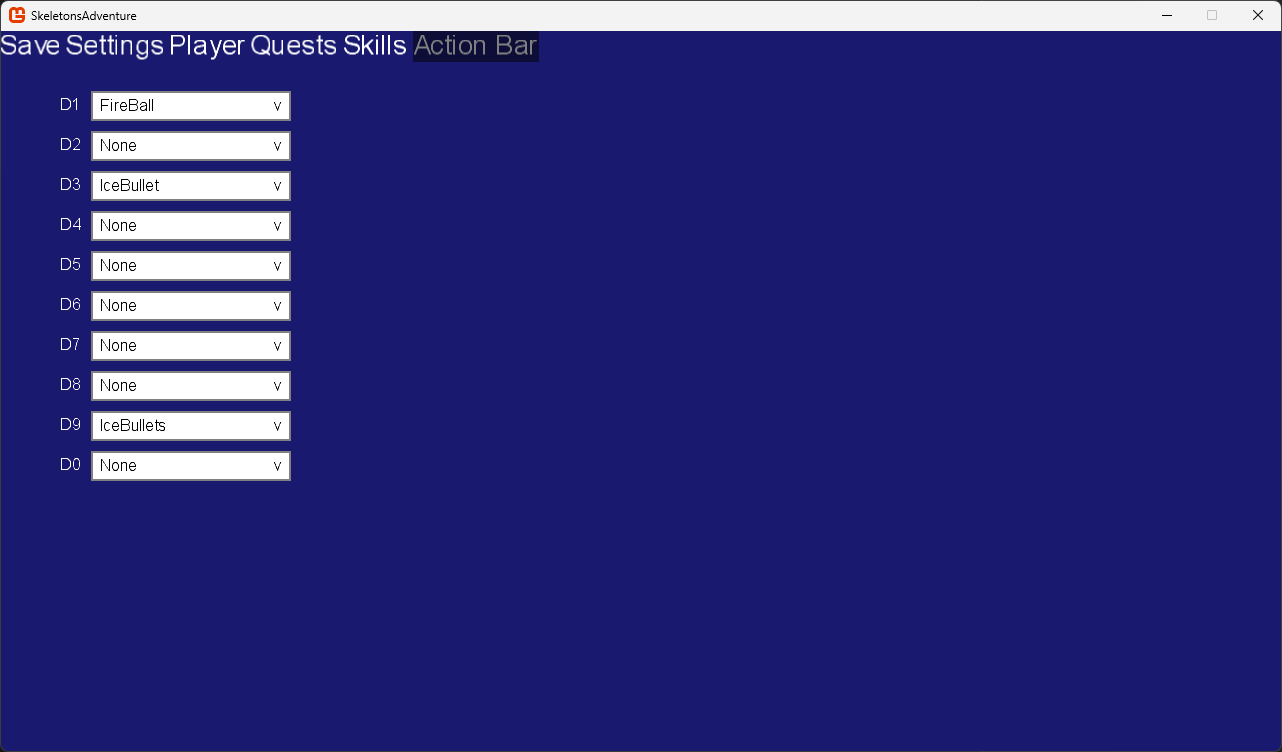
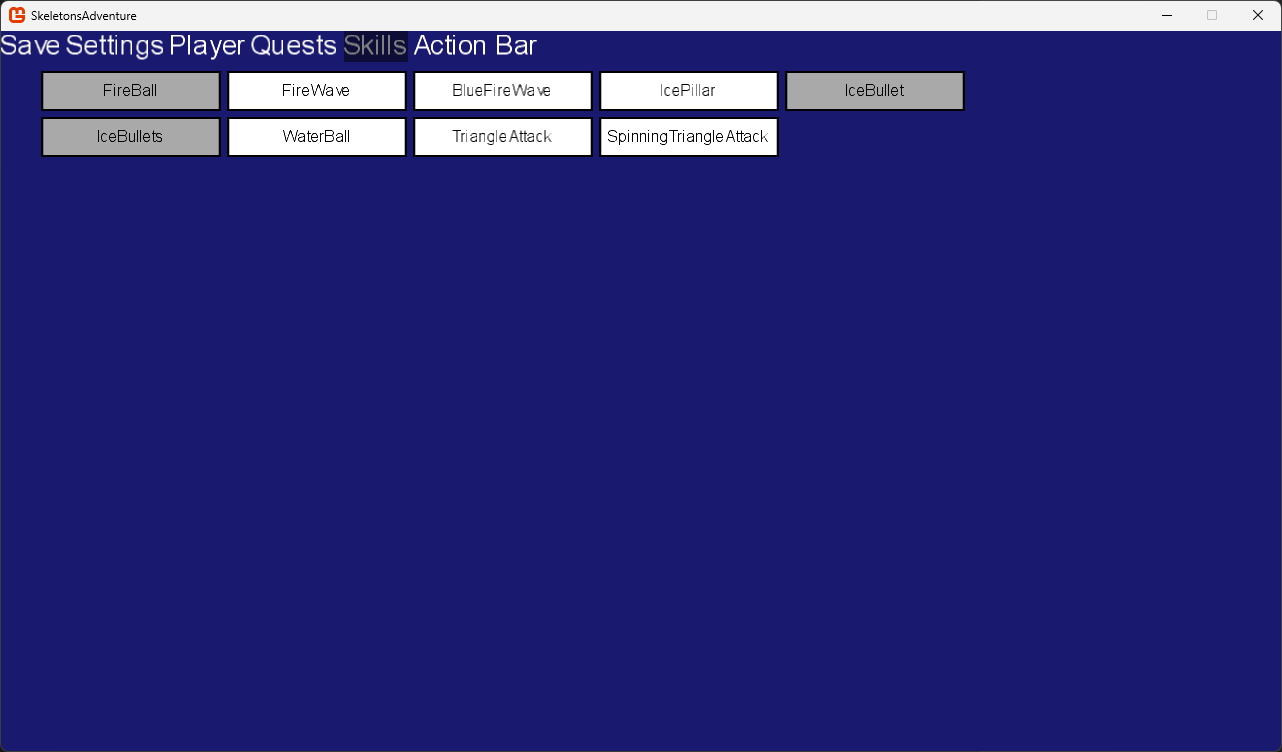
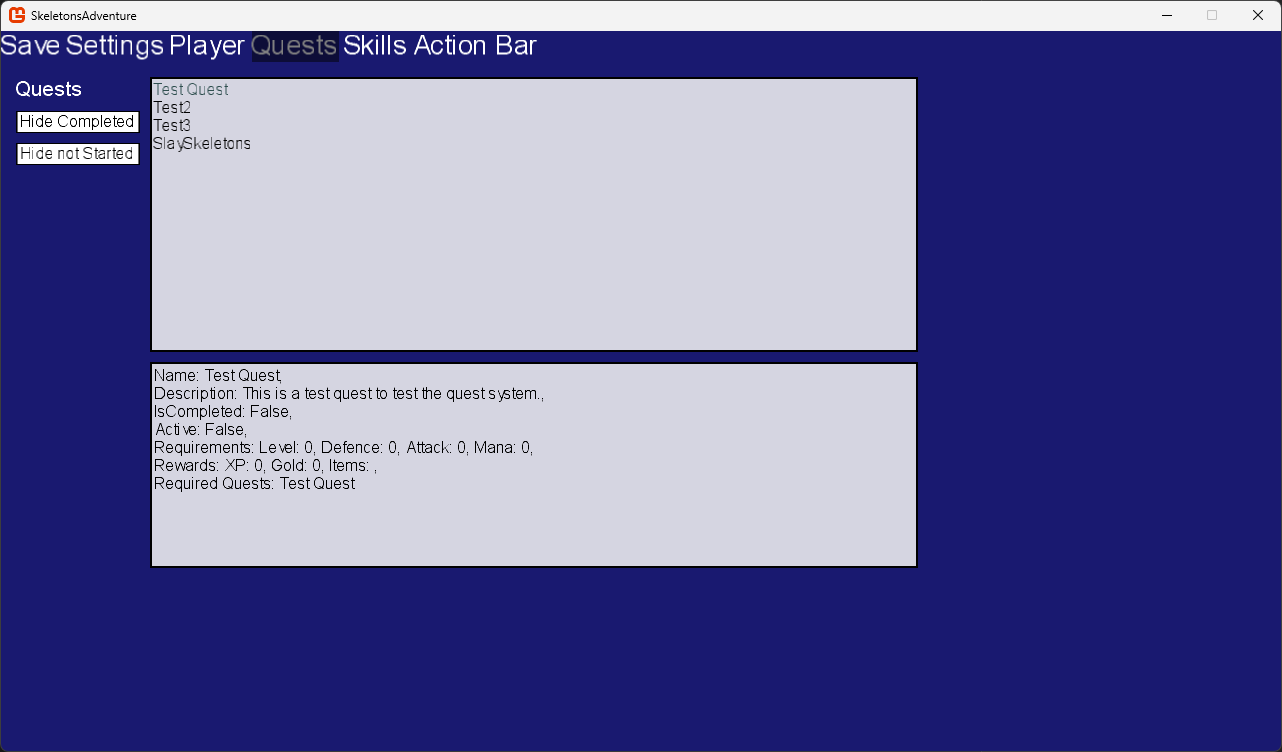
Selected screens and interfaces from the project.
Technical highlights
Selected architectural and implementation decisions that shaped the project.
MonoGame renders gameplay scenes, sprites, shapes, and interface elements.
The codebase is organized into separate systems with clear responsibilities.
Structured XML data supports save, load, and content-driven workflows.
Reusable shape and collision systems support attacks, objects, and interaction checks.
WinForms utilities support content creation outside the running game.
Tests improve reliability during refactoring and feature development.
Challenges
The constraints and implementation problems that required the most thought.
As the project grew, large systems had to be separated into smaller reusable components with clearer responsibilities.
Systems needed to support different gameplay objects without becoming tightly coupled to one feature.
Manual configuration became time-consuming, which led to the creation of dedicated editor tooling.
Future direction
Potential next steps identified through the current implementation.
Expand map editor features
Add more enemy behaviors
Improve combat balancing
Expand inventory and quest systems
Improve the asset-loading pipeline
Package a playable demo
Explore what comes next
Custom software projects are scoped around the workflow, users, and technical requirements involved.